
Now Reading: Step-by-Step Guide to Resolving NIN-BVN Mismatches (Name, Date of Birth Errors)
1
-
01
Step-by-Step Guide to Resolving NIN-BVN Mismatches (Name, Date of Birth Errors)
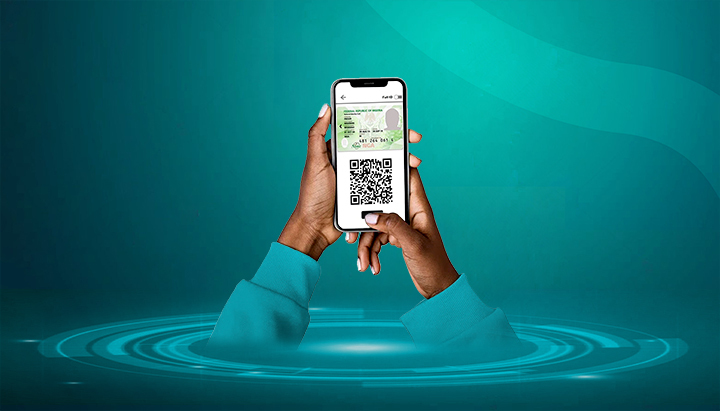

Linking your National Identification Number (NIN) with your Bank Verification Number (BVN) is now mandatory in Nigeria. However, many people encounter mismatches in their details — for example, a different date of birth on BVN compared to NIN, or name spelling inconsistencies.
These mismatches must be corrected before the linkage can be successful.
Here’s a step-by-step guide to resolving NIN-BVN mismatches.
📌 Step 1: Identify the Type of Mismatch
The most common issues are:
- Name mismatch: Different spellings (e.g., “Chukwuemeka” vs. “Chukwumeka”).
- Date of birth mismatch: Different dates between NIN and BVN.
- Other discrepancies: Gender, address, or missing middle names.
📌 Step 2: Check Which Record Is Wrong
- Visit your bank to request your BVN biodata.
- Visit a NIMC enrolment centre to confirm your NIN biodata.
- Compare both — this will help you know which database has the error.
📌 Step 3: Correct Errors in Your BVN (Bank)
If your BVN record is wrong:
- Visit your bank branch with:
- Valid ID (NIN slip, Passport, Voter’s Card, Driver’s License).
- Affidavit or supporting documents (for date of birth or name changes).
- Request a BVN data correction.
- Fill the correction form and submit documents.
- The bank will update the BVN record in the CBN database.
📌 Step 4: Correct Errors in Your NIN (NIMC)
If your NIN record is wrong:
- Visit a NIMC enrolment centre.
- Collect and fill a NIN Data Modification Form.
- Provide required documents:
- Birth Certificate or Age Declaration (for date of birth corrections).
- Court affidavit + newspaper publication (for major name changes).
- Marriage certificate (for women changing surnames after marriage).
- Pay the applicable fee (e.g., ₦15,000 for date of birth corrections) via Remita.
- Submit documents and undergo biometric recapture (if necessary).
- Collect an acknowledgment slip and return later for your updated NIN slip.
📌 Step 5: Re-Link Your NIN to BVN
- Once corrections are complete (in BVN or NIN), retry the linkage process via USSD, mobile app, or bank branch.
- Ensure the corrected details now match.
📌 Step 6: Confirm Successful Linking
- Check via your bank’s USSD code, mobile app, or at the branch.
- Once the mismatch is resolved, your NIN and BVN will be linked.
✅ Final Tips
- Always use the same name format across NIN, BVN, bank accounts, and SIM cards.
- Correcting date of birth on NIN is stricter and requires strong evidence (Birth Certificate).
- Only process corrections at official banks or NIMC centres — avoid touts and fraudsters.
- Keep all receipts, acknowledgment slips, and updated documents safe.










Related Posts


Stay Informed With the Latest & Most Important News
Previous Post
Next Post
Advertisement

Donations







Loading Next Post...


