
Now Reading: Step-by-Step Guide to Checking if Your NIN is Successfully Linked to Your SIM
1
-
01
Step-by-Step Guide to Checking if Your NIN is Successfully Linked to Your SIM
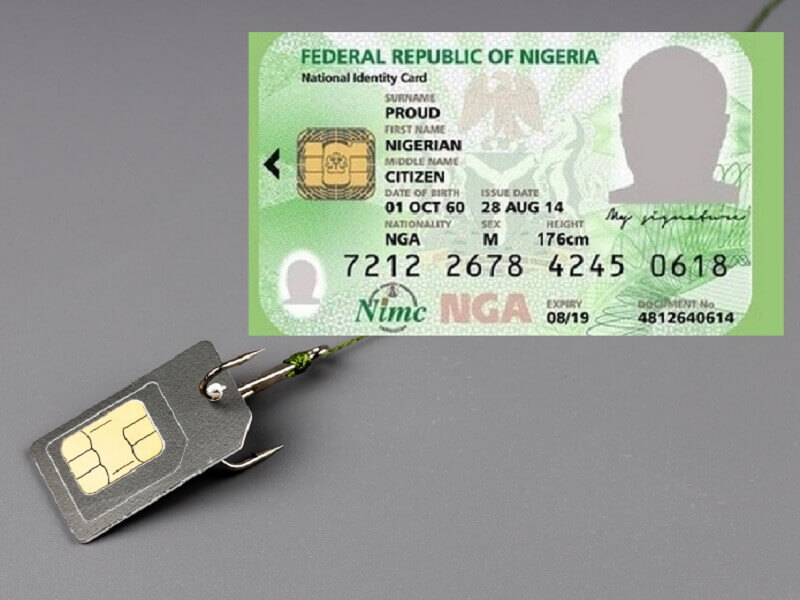
Step-by-Step Guide to Checking if Your NIN is Successfully Linked to Your SIM

Since the NIN-SIM linkage became mandatory in Nigeria, many mobile users have linked their National Identification Number (NIN) but remain unsure whether it was successful. Luckily, each network provides a way to confirm.
Here’s a step-by-step guide for MTN, Airtel, Glo, and 9mobile subscribers.
📌 Step 1: For MTN Users
- Dial *785#.
- Select “NIN Status.”
- If successfully linked, you’ll get a confirmation message.
- Alternatively, log in to https://mtnonline.com/nin.
📌 Step 2: For Airtel Users
- Dial *121*1#.
- Choose the option for NIN verification.
- You’ll receive an SMS stating whether your NIN has been linked.
- Or check via https://www.airtel.com.ng/nin.
📌 Step 3: For Glo (Globacom) Users
- Dial *109*yourNIN# (e.g., *109*12345678901#).
- You’ll receive a reply confirming your NIN linkage status.
- You can also verify at https://www.gloworld.com/ng/nin.
📌 Step 4: For 9mobile Users
- Dial *200*8#.
- Follow the prompt to check if your NIN is linked.
- Or visit https://9mobile.com.ng/nin.
📌 Step 5: Visit Customer Care if Unsure
If your NIN is not linked or you still face issues:
- Visit the nearest customer service centre of your provider.
- Go with your NIN slip and a valid ID for manual verification.
✅ Final Tips
- Always confirm after linking to avoid SIM disconnection.
- Keep your NIN details consistent across all services (banks, telecoms, BVN).
- If you changed your SIM or had errors during linkage, repeat the process.
- Linking is free and compulsory for all SIM cards.










Related Posts



Stay Informed With the Latest & Most Important News
Previous Post
Next Post


Advertisement

Donations








Loading Next Post...


