
Now Reading: Step-by-Step Guide to Linking NIN with BVN (Bank Verification Number)
1
-
01
Step-by-Step Guide to Linking NIN with BVN (Bank Verification Number)
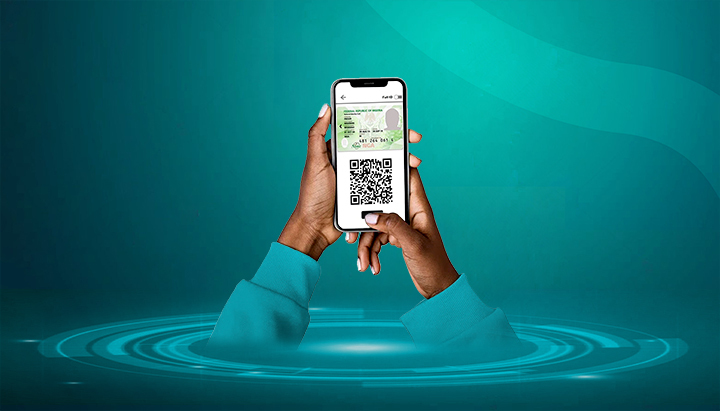

The Central Bank of Nigeria (CBN) has directed all banks to ensure that customers link their National Identification Number (NIN) with their Bank Verification Number (BVN). This helps unify identity records, strengthen security, and prevent financial fraud.
Here’s a step-by-step guide to linking your NIN with your BVN.
📌 Step 1: Get Your NIN and BVN Ready
- NIN → 11-digit number from the National Identity Management Commission (NIMC).
- BVN → 11-digit number issued when you registered with your bank.
- To retrieve NIN → Dial *346# (₦20 charge).
- To retrieve BVN → Dial *565*0# (₦20 charge).
📌 Step 2: Link NIN with BVN via USSD (Bank-Specific Codes)
Most Nigerian banks provide shortcodes to update NIN with BVN. Examples:
- GTBank: Dial *73720YourNIN#
- First Bank: Dial *894*1#
- Access Bank: Dial *901*11#
- Zenith Bank: Dial *966BVNYourNIN#
- UBA: Dial *919*60#
(If unsure, check your bank’s website or customer care.)
📌 Step 3: Link NIN with BVN via Bank’s Mobile/Internet Banking
- Log in to your bank’s mobile app or online banking.
- Look for the option “Link NIN to BVN” or “NIN Update”.
- Enter your NIN and confirm.
- A confirmation SMS/email will be sent.
📌 Step 4: Link NIN with BVN at a Bank Branch
- Visit your nearest bank branch with:
- Your NIN slip/card
- A valid ID (Passport, Driver’s License, or Voter’s Card)
- Request for NIN-BVN update form, fill it, and submit.
- Bank officials will update your records.
📌 Step 5: Confirm Successful Linking
- You’ll get a confirmation SMS/email from your bank.
- You can also dial your bank’s NIN verification USSD code to check status.
✅ Final Tips
- Linking is free of charge — don’t pay agents or middlemen.
- Always ensure your NIN and BVN details (name, date of birth) match to avoid rejection.
- If there are discrepancies (e.g., spelling errors), correct them first at NIMC (for NIN) or your bank (for BVN).
- Keep both numbers safe — they are tied to all your financial records.










Related Posts



Stay Informed With the Latest & Most Important News
Previous Post
Next Post


Advertisement

Donations








Loading Next Post...


