
Now Reading: Step-by-Step Guide to Registering a SIM Card in Nigeria
1
-
01
Step-by-Step Guide to Registering a SIM Card in Nigeria
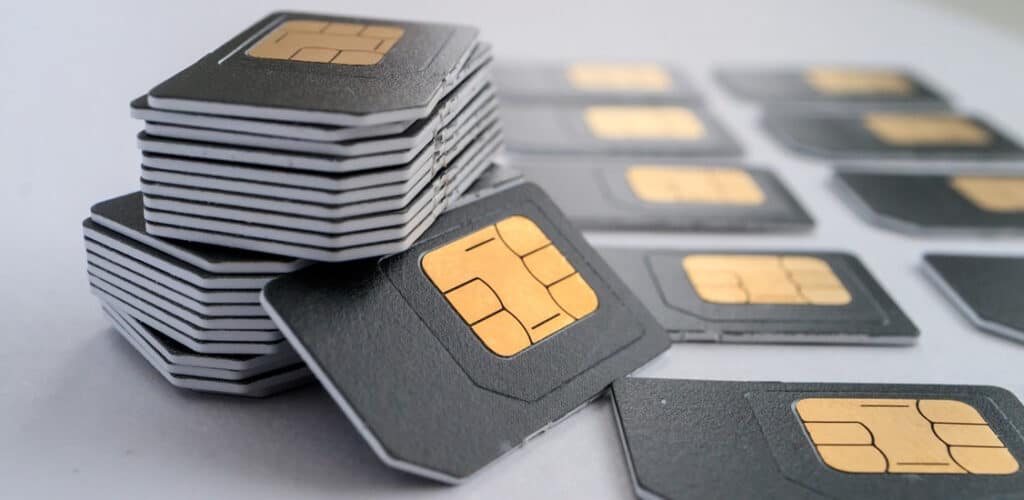

In Nigeria, all SIM cards must be registered in compliance with the Nigerian Communications Commission (NCC) regulations. This process helps link SIM cards to individuals, reducing fraud and improving security. Since 2020, it has also become mandatory to link your SIM card with your National Identification Number (NIN).
Here’s a clear step-by-step guide to registering a SIM card in Nigeria.
📌 Step 1: Choose a Mobile Network Provider
Nigeria has four major GSM operators:
- MTN Nigeria
- Airtel Nigeria
- Glo (Globacom)
- 9mobile
Select the provider you want based on coverage, data offers, and tariff plans.
📌 Step 2: Visit an Accredited Registration Outlet
- Go to an official outlet, service center, or authorized vendor of your chosen network.
- Carry your National Identification Number (NIN). Without NIN, you cannot register a new SIM.
📌 Step 3: Provide Personal Details
At the registration center, you will be asked to provide:
- Full Name (as it appears on your NIN record)
- Date of Birth
- Home Address
- NIN (11-digit number)
- Valid means of identification (NIN slip, National ID card, International Passport, Driver’s License, or Voter’s Card)
📌 Step 4: Biometric Data Capture
The agent will capture:
- Your photograph
- Fingerprints (biometrics)
- Digital signature
This ensures that the SIM is directly linked to you.
📌 Step 5: SIM-NIN Linking
- Your SIM card details will be automatically linked with your NIN in the NCC database.
- You may receive an SMS confirming successful linkage.
📌 Step 6: Activation of Your SIM Card
- After registration, insert the SIM card into your phone.
- It may take a few hours (sometimes up to 24 hours) to be fully activated.
- Once activated, you can make calls, send SMS, and use data.
📌 Step 7: Verify Your Registration Status
- Dial your network’s USSD code to confirm NIN-SIM linkage:
- MTN → *785#
- Airtel → 1211#
- Glo → *109#
- 9mobile → 2008#
- You can also check via the NCC portal or your provider’s app.
✅ Final Tips
- Always register your SIM yourself — never buy pre-registered SIMs (it’s illegal and risky).
- Keep your NIN slip safe, as it’s required for future SIM swaps or reactivation.
- If you lose your SIM, go to your provider with your NIN and ID for a SIM replacement.
- Registering multiple SIMs under your name is allowed, but they all must be linked to your NIN.










Related Posts



Stay Informed With the Latest & Most Important News
Previous Post
Next Post
Previous Post

Next Post

Advertisement

Donations









Loading Next Post...


