
Now Reading: Step-by-Step Guide to Paying Electricity Bills Online in Nigeria
1
-
01
Step-by-Step Guide to Paying Electricity Bills Online in Nigeria
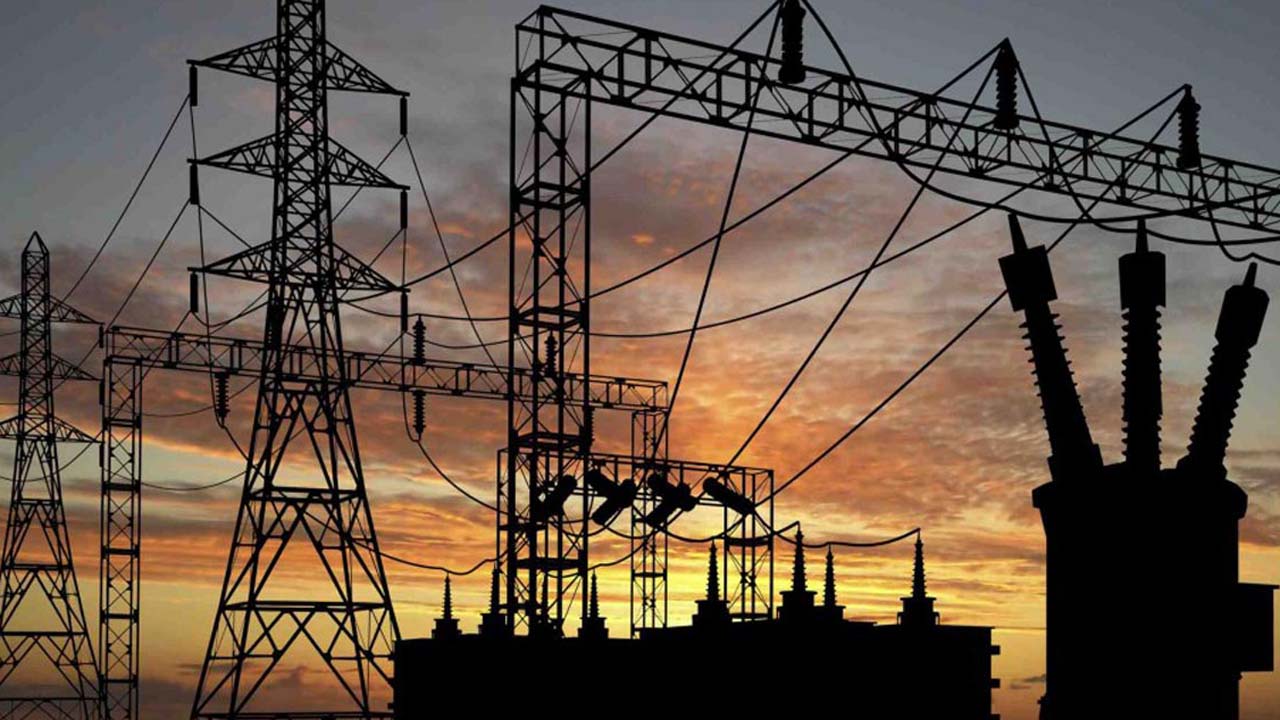

Gone are the days of standing in long queues at electricity distribution offices. Today, Nigerians can easily pay their electricity bills online using mobile phones, banking apps, or payment platforms. Whether you’re using Prepaid (Recharge Tokens) or Postpaid (Monthly Bills), here’s how to do it.
📌 Step 1: Know Your Electricity Distribution Company (DisCo)
Nigeria has 11 major DisCos, each responsible for specific regions:
- Abuja Electricity Distribution Company (AEDC)
- Eko Electricity Distribution Company (EKEDC)
- Ikeja Electric (IE)
- Ibadan Electricity Distribution Company (IBEDC)
- Benin Electricity Distribution Company (BEDC)
- Enugu Electricity Distribution Company (EEDC)
- Jos Electricity Distribution Company (JEDC)
- Kano Electricity Distribution Company (KEDCO)
- Kaduna Electric
- Port Harcourt Electricity Distribution Company (PHED)
- Yola Electricity Distribution Company (YEDC)
Check your meter or last bill to confirm your DisCo.
📌 Step 2: Gather Required Information
Before paying, you need:
- Meter Number (for prepaid users)
- Account Number (for postpaid users)
- Phone number and email address (for payment confirmation)
📌 Step 3: Choose a Payment Method
You can pay electricity bills online through:
- DisCo Official Websites – Many have direct bill payment portals.
- Online Payment Platforms – e.g., Quickteller, Remita, BuyPower, JumiaPay, Paystack.
- Banking Apps & USSD Codes – Most Nigerian banks allow you to pay bills directly.
- Mobile Wallets – e.g., Opay, Paga, PalmPay.
📌 Step 4: Make the Payment
- Open your chosen payment platform.
- Select Electricity Bills.
- Choose your DisCo.
- Enter your Meter/Account Number.
- Enter the amount to pay.
- Select payment method (Debit Card, Bank Transfer, USSD, Wallet Balance).
- Confirm details before submitting.
📌 Step 5: Receive Confirmation
- For Prepaid Meters → You will receive a 20-digit token via SMS/email. Enter it into your meter to recharge.
- For Postpaid Bills → You will get a receipt or confirmation message showing your account has been credited.
📌 Step 6: Keep Proof of Payment
- Save the SMS, email, or receipt as proof in case of future disputes.
- Most platforms allow you to download or print receipts.
✅ Final Tips
- Always double-check your meter or account number before paying.
- If you don’t receive a prepaid token, contact your payment platform’s customer support.
- Beware of fraud — only use official apps and trusted platforms.
- Paying online is often faster and safer than going to physical offices.










Related Posts


Stay Informed With the Latest & Most Important News
Previous Post
Next Post


Advertisement

Donations









Loading Next Post...


