
Now Reading: Step-by-Step Guide to Using the Virtual NIN (vNIN)
1
-
01
Step-by-Step Guide to Using the Virtual NIN (vNIN)
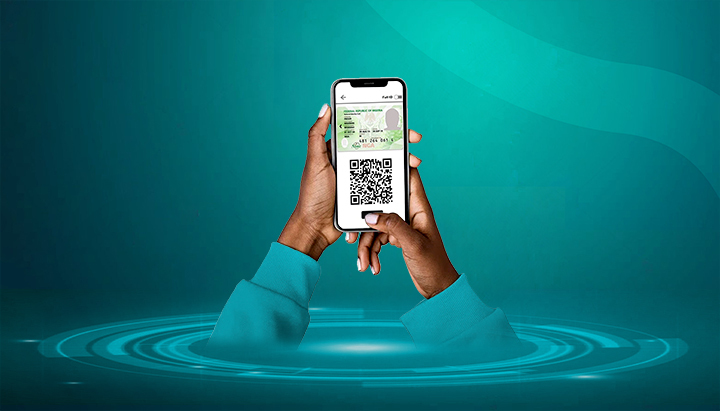

The Virtual NIN (vNIN) is a secure, 16-digit number that can be generated and shared instead of your permanent NIN. It helps protect your data from identity theft by providing a unique code for each transaction.
Here’s how to use it.
📌 Step 1: Install the NIMC Mobile App
- Download the “NIMC Mobile ID” app from the Google Play Store or Apple App Store.
- Install and log in with your NIN and the phone number linked to your NIN.
- An OTP (One-Time Password) will be sent to your registered line for verification.
📌 Step 2: Generate Your Virtual NIN (vNIN)
There are two main ways to generate it:
🔹 Option 1: Using USSD (*346#)
- Dial *346# on your registered phone number.
- Select the “Virtual NIN” option.
- Enter the Enterprise Shortcode of the organization requesting your NIN (e.g., bank, telecom).
- You’ll receive a 16-digit vNIN via SMS.
🔹 Option 2: Using the NIMC Mobile App
- Log in to the app.
- Tap “Get Virtual NIN”.
- Enter the organization’s Enterprise ID (shortcode).
- The app will generate a 16-digit vNIN instantly.
📌 Step 3: Share Your vNIN with Service Providers
- Provide the 16-digit vNIN instead of your permanent NIN.
- The organization (bank, telecom, government agency) will use it to verify your identity.
- Each vNIN is unique to that organization and transaction.
📌 Step 4: Confirm Successful Verification
- Once the organization validates your vNIN, your identity will be confirmed.
- You’ll receive a notification or SMS confirming successful use.
📌 Step 5: Keep Your NIN Safe
- Use vNIN whenever possible to avoid exposing your permanent NIN.
- Only generate vNIN for trusted organizations (banks, telecoms, schools, etc.).
- Each vNIN is temporary and cannot be reused by another entity.
✅ Final Tips
- Generating vNIN via USSD may attract a ₦20 service fee.
- Always use your registered SIM linked to your NIN.
- If you change your phone number, update it with NIMC before generating vNIN.
- The vNIN is more secure and strongly recommended for all identity verifications.










Related Posts



Stay Informed With the Latest & Most Important News
Previous Post
Next Post


Advertisement

Donations








Loading Next Post...


