
Now Reading: Step-by-Step Guide to Retrieving Your NIN if You Lost Your Slip
1
-
01
Step-by-Step Guide to Retrieving Your NIN if You Lost Your Slip
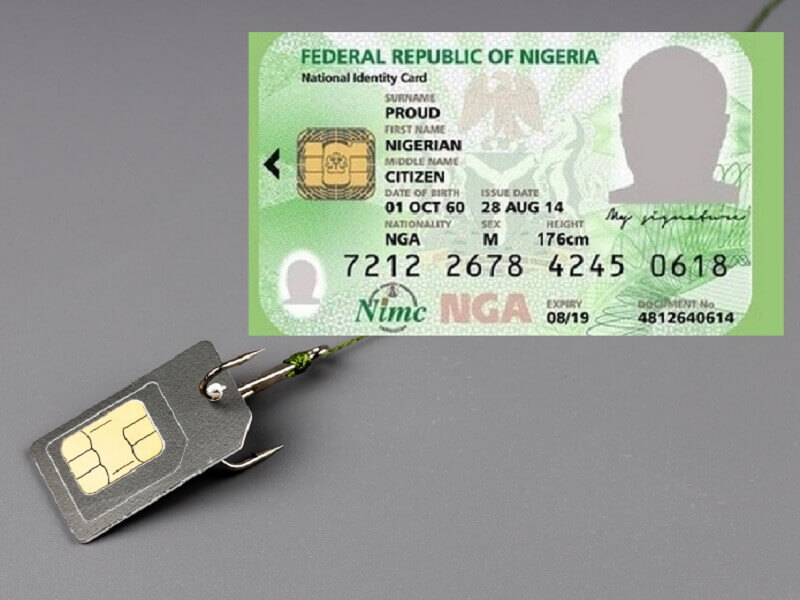

The National Identification Number (NIN) is required for SIM cards, banking, passports, and many government services in Nigeria. If you’ve lost your NIN slip, don’t worry — you can still retrieve your 11-digit NIN quickly.
Here’s how:
📌 Step 1: Retrieve via USSD Code (*346#)
- Dial *346# on the phone number you used during NIN registration.
- Choose “NIN Retrieval” from the menu.
- Your 11-digit NIN will be displayed.
- A ₦20 service fee may be deducted from your airtime.
📌 Step 2: Retrieve at a NIMC Enrolment Centre
- Visit the nearest NIMC office or accredited centre.
- Provide your personal details (name, date of birth, phone number).
- Request a printout of your NIN slip.
- You may need to pay a small fee for reprinting.
📌 Step 3: Retrieve Through the NIMC Mobile App
- Download the NIMC Mobile ID app from Google Play or Apple Store.
- Log in with your NIN and phone number (linked to your NIN).
- Once logged in, your NIN will be displayed on the dashboard.
- You can also generate a Virtual NIN (vNIN) for secure use.
📌 Step 4: Use Your BVN (Indirect Check)
- Some banks link your NIN with your Bank Verification Number (BVN).
- Visit your bank branch and ask if your NIN is already linked.
- This won’t give you the full slip, but it can help confirm your NIN.
📌 Step 5: Safeguard Your NIN Going Forward
- Save your NIN on your phone (contacts or notes app).
- Print and laminate extra copies of your slip.
- Avoid sharing your NIN carelessly — it’s linked to your personal data.
✅ Final Tips
- Always use the phone number linked to your NIN when dialing *346#.
- Reprinting from NIMC is official and safer than using third parties.
- For frequent use, the NIMC app is the best digital option.
- Keep your new slip safe — replacement attracts extra fees.










Related Posts



Stay Informed With the Latest & Most Important News
Previous Post
Next Post


Advertisement

Donations








Loading Next Post...


